Manage payments before, during and after appointments without extra admin, from Semble’s fully integrated healthcare billing platform.

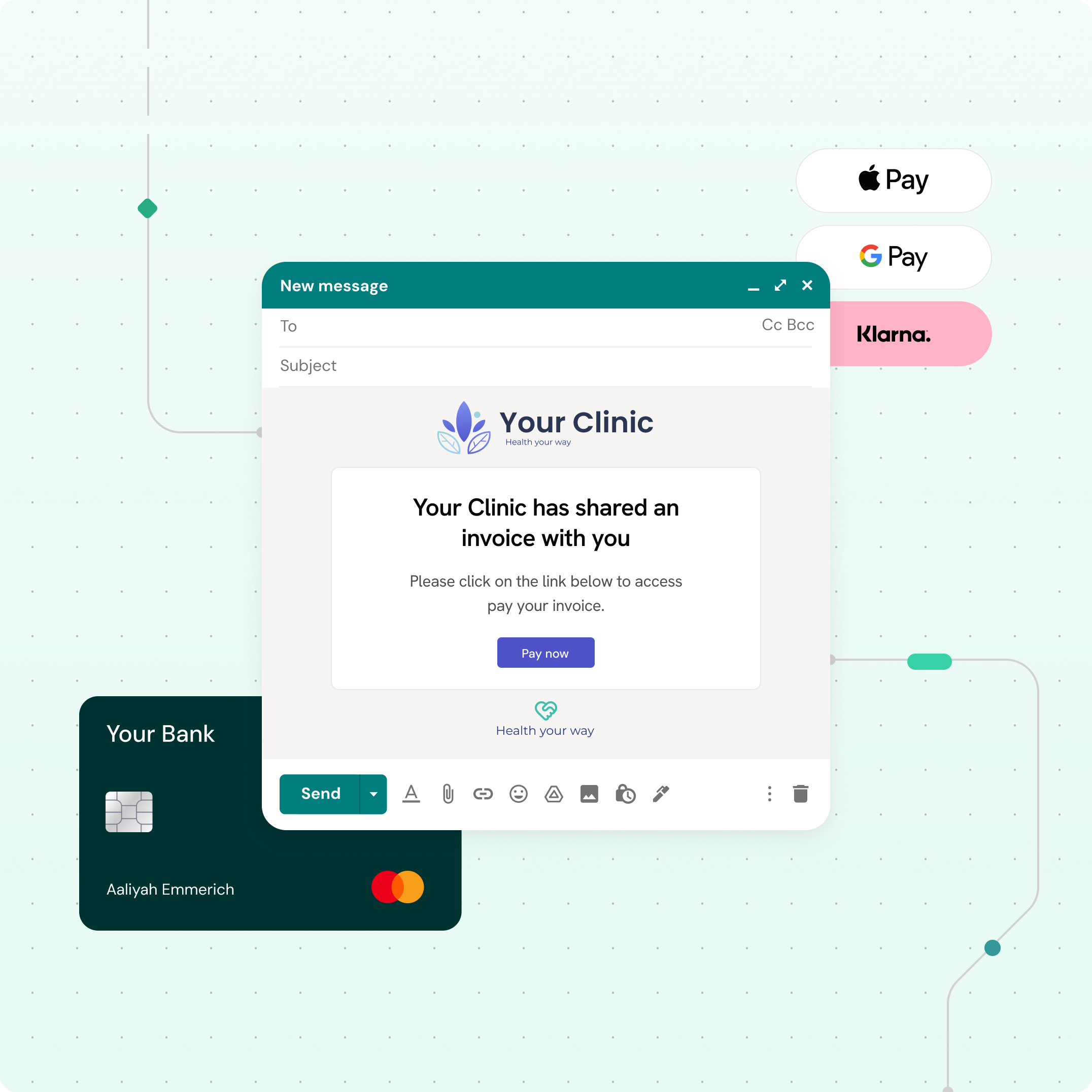
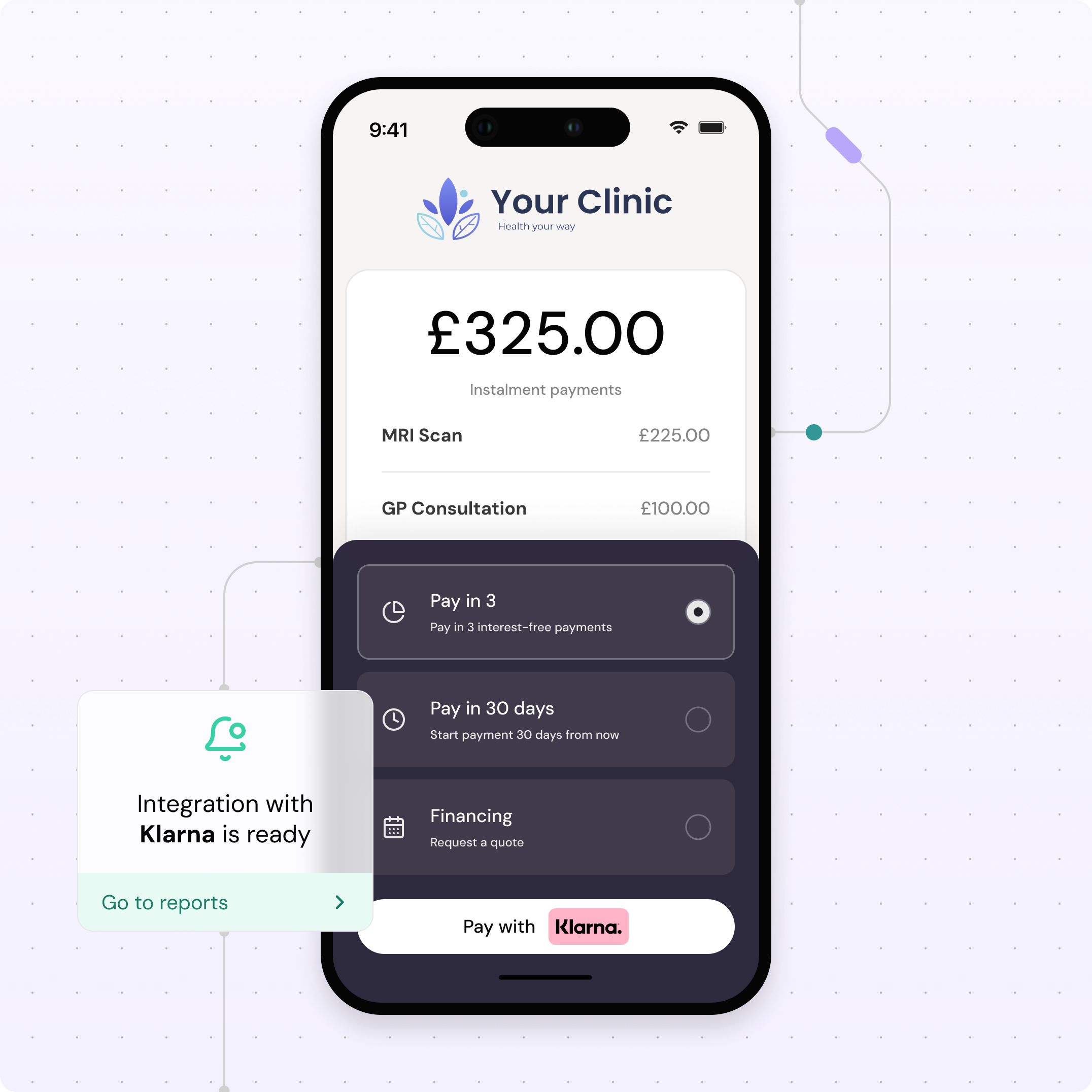
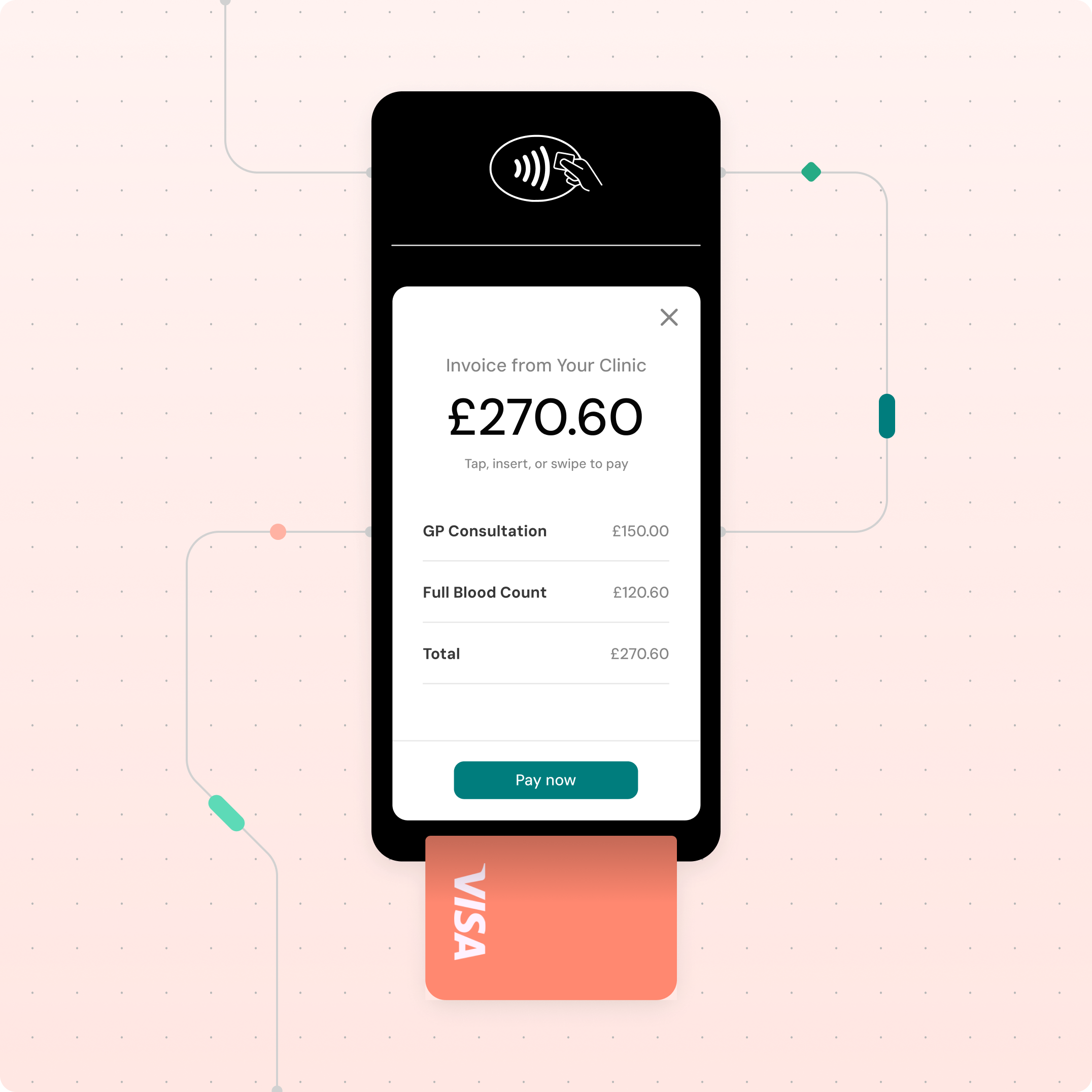
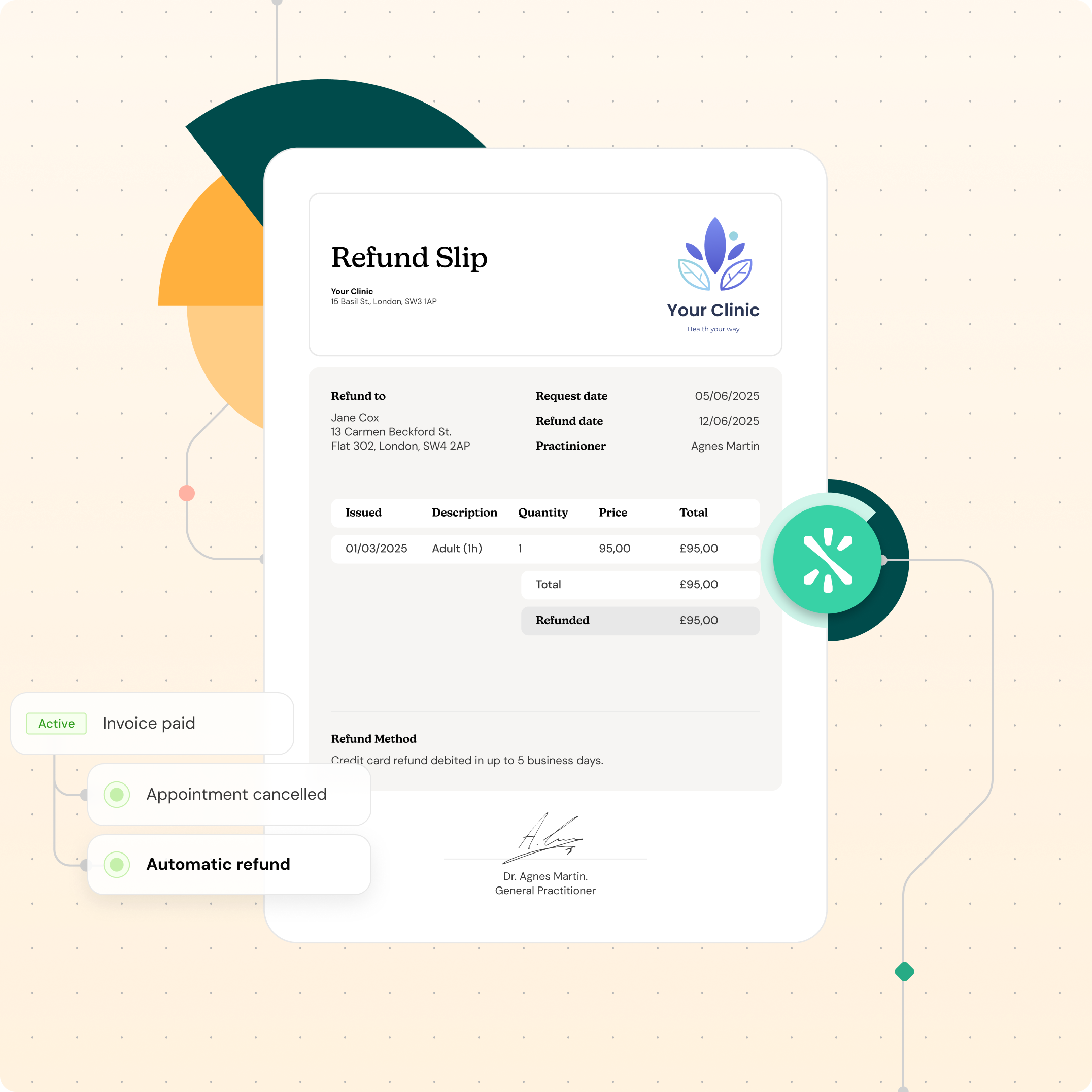
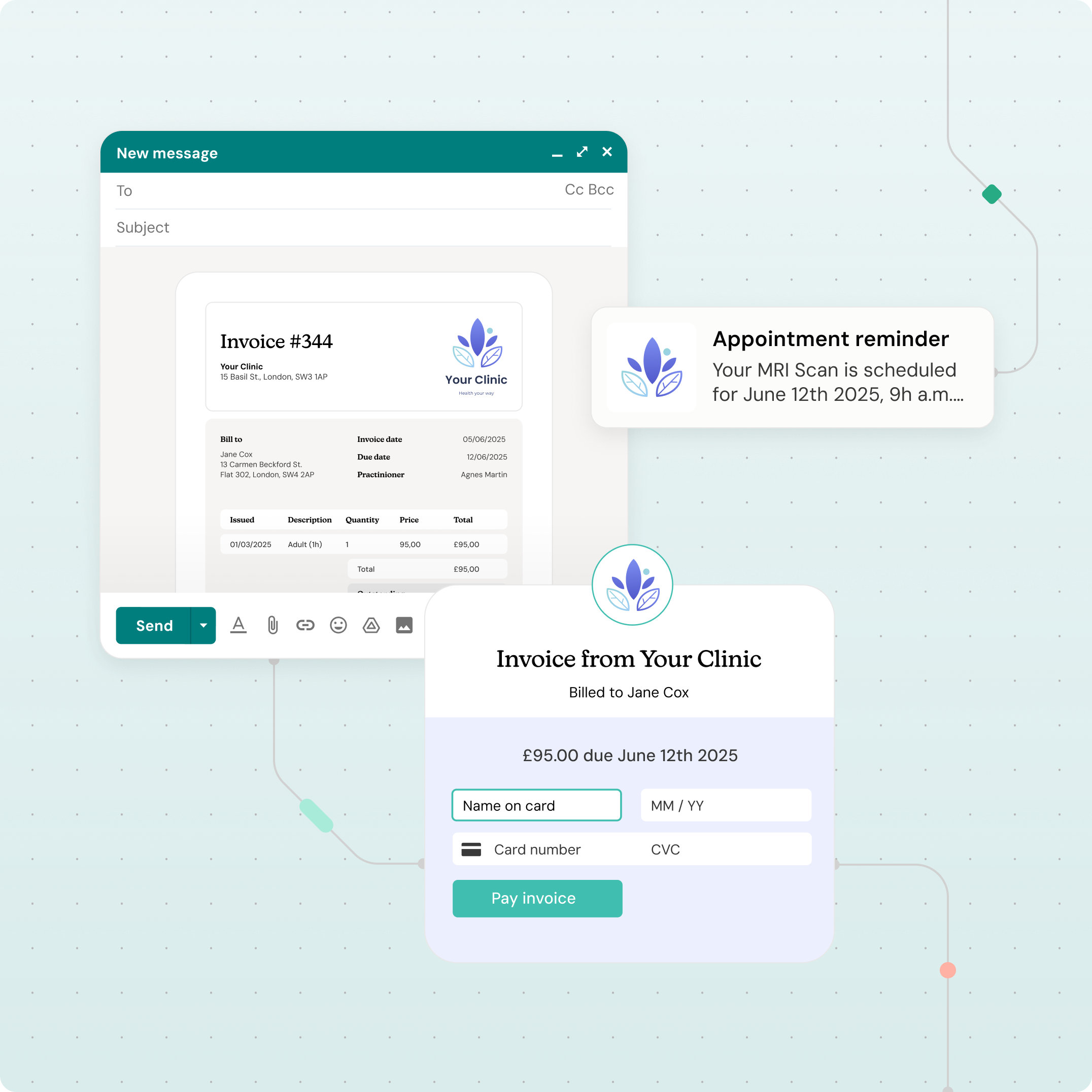
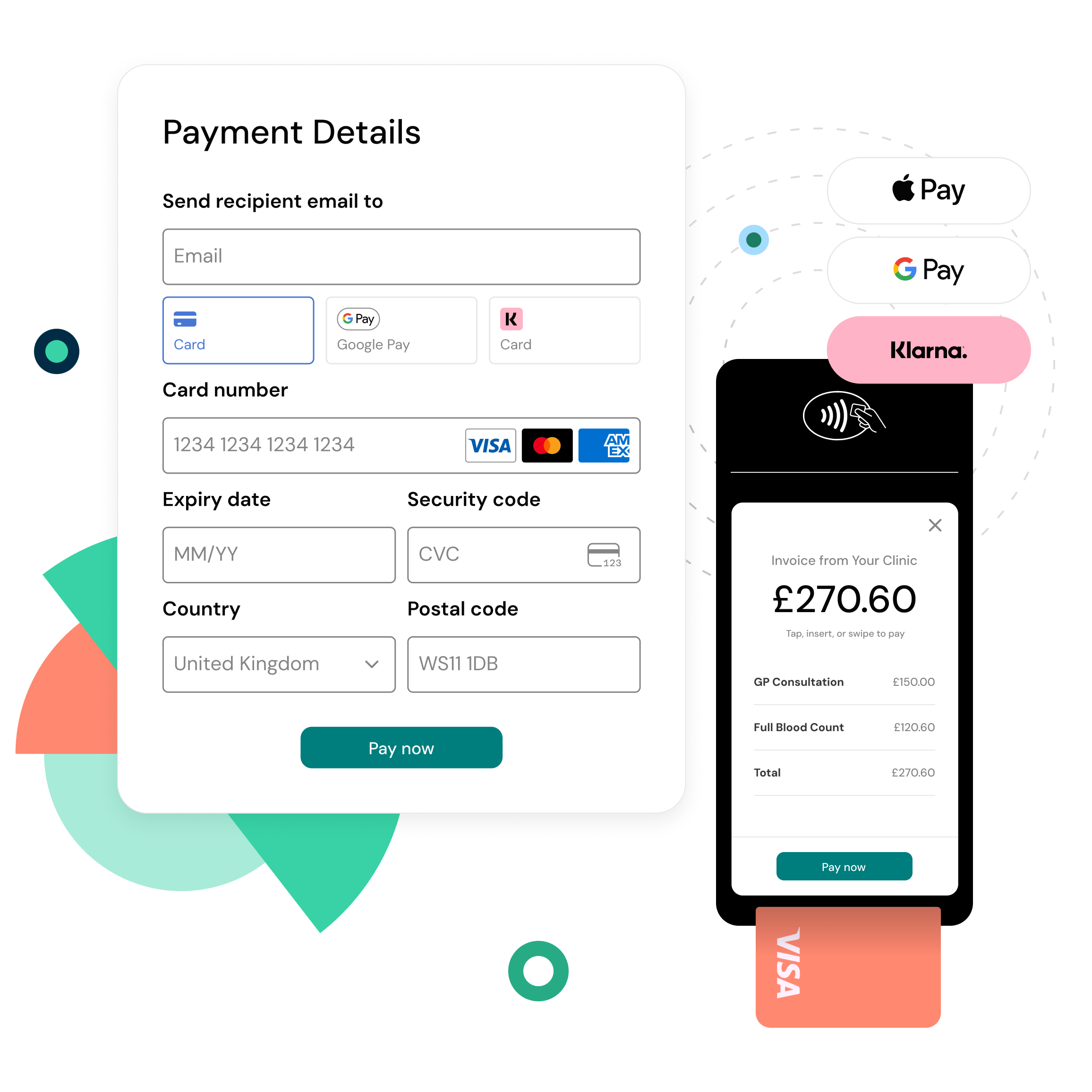
A smoother payment process means more patients complete their bookings – and you get paid faster. Make it easy for them to say yes to treatment with flexible, hassle-free payment options. Semble Pay is built into Semble, so you can start taking payments straight away.
“There was a lot of aged debt going back years, about £100,000. It was a painful task on the previous system. But we managed to claw back a significant amount of the debt with Semble, because it’s so easy to input fees and payments. Our consultant was really happy.”
April Harrop
Founder
Managed Medical Limited

Get paid faster without using expensive patient billing companies. Let auto invoicing do the chasing for you: automatically generate invoices and send payment reminders after appointments.

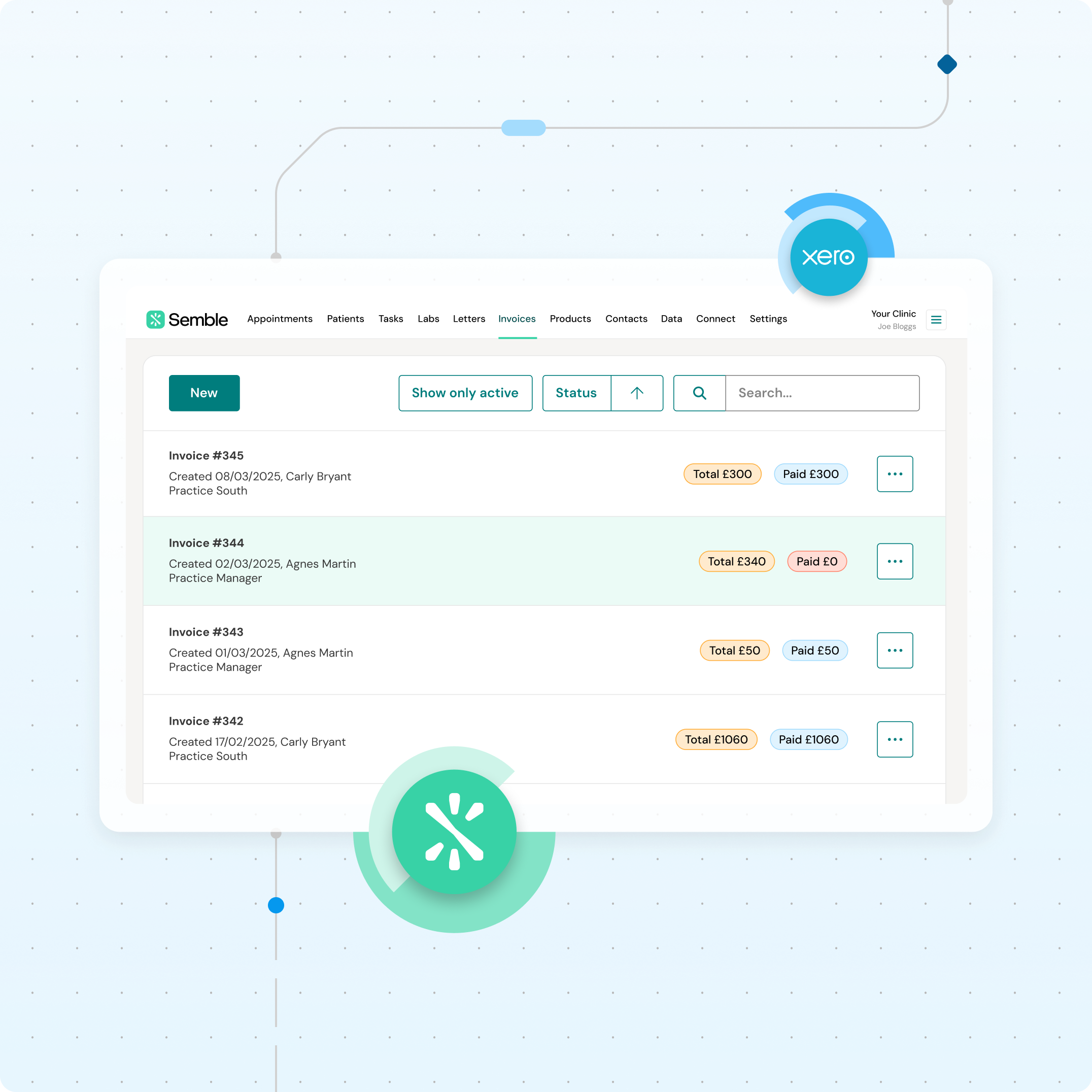
Semble Pay takes the pain out of payment admin by connecting invoicing, payments and reconciliation in one system. Send automated invoices with built-in payment links, track what’s been paid (and what hasn’t) in real time and sync everything with Xero. It’s faster, cleaner and gives your finance team full visibility, with medical billing and invoicing software that’s simple to use.

Our dedicated specialists will walk you through the process, so you can say goodbye to
painful payments.
Semble Pay, powered by Stripe, is an integrated payment solution that lets you manage patient payments directly within Semble. Whether you're taking in-clinic payments via a terminal, processing online transactions or issuing refunds, everything is tracked in Semble to reduce your financial admin work. Your existing payment workflows stay the same, but with fewer manual steps and no need to switch between different finance tools.
Semble Pay pricing is based on Stripe’s standard transaction fees, plus a VAT charge as required by UK law. As Stripe sets these fees, they cannot be adjusted by Semble. You can find a full breakdown of costs here.
If applicable, you may be able to reclaim VAT, please consult your accountant or financial advisor for guidance.
As a UK-based company, Semble is required to charge VAT on payment services. If applicable, you may be able to reclaim VAT, please consult your accountant or financial advisor for guidance.
No, you can use other healthcare patient payment solutions if you’d like, but only Semble Pay is fully integrated with Semble. This means less admin, easier tracking, and no manual reconciliation. Plus, you’ll unlock exclusive features like Klarna and Apple Pay with more flexible payment options coming soon.
Semble Pay is fully integrated into Semble to simplify managing your finances. Having your finance tools connected in one place helps you save time, reduce admin and improve cashflow. You can manage payments, track invoices, and process patient refunds from Semble. You can immediately benefit from new payment features coming in the roadmap such as deposits and credit notes.
Getting started depends on your current setup.
If you’re already using Stripe Standard in Semble: You’ll need to copy your data over to Semble Pay. Follow our step-by-step Help Centre guide to switch in minutes.
If you’re not using an integrated payment solution: Simply turn on Semble Pay in your settings and start accepting digital patient payments immediately. Follow this quick setup guide to get started.
Yes, we currently integrate with Xero, which allows for automatic reconciliation when payments are taken through Semble Pay including Semble Pay terminals. You can process patient refunds directly from Semble with Semble Pay. We plan to include Sage and QuickBooks in the future.
BNPL lets patients spread the cost of treatments over three interest-free instalments, making private care more accessible. Klarna handles all the credit risk, and your clinic still receives the full payment upfront. This means you receive more bookings because patients can spread out the costs without the financial risk. A note for your patients, borrowing more than you can afford or paying late may negatively impact your financial status and ability to obtain credit. Subject to status. Ts&Cs and late fees apply.