Keep it clean: Platform hygiene tips for your Semble account

Jess walks you through the platform hygiene habits that keep your Semble account clean, consistent and working harder for your whole team.
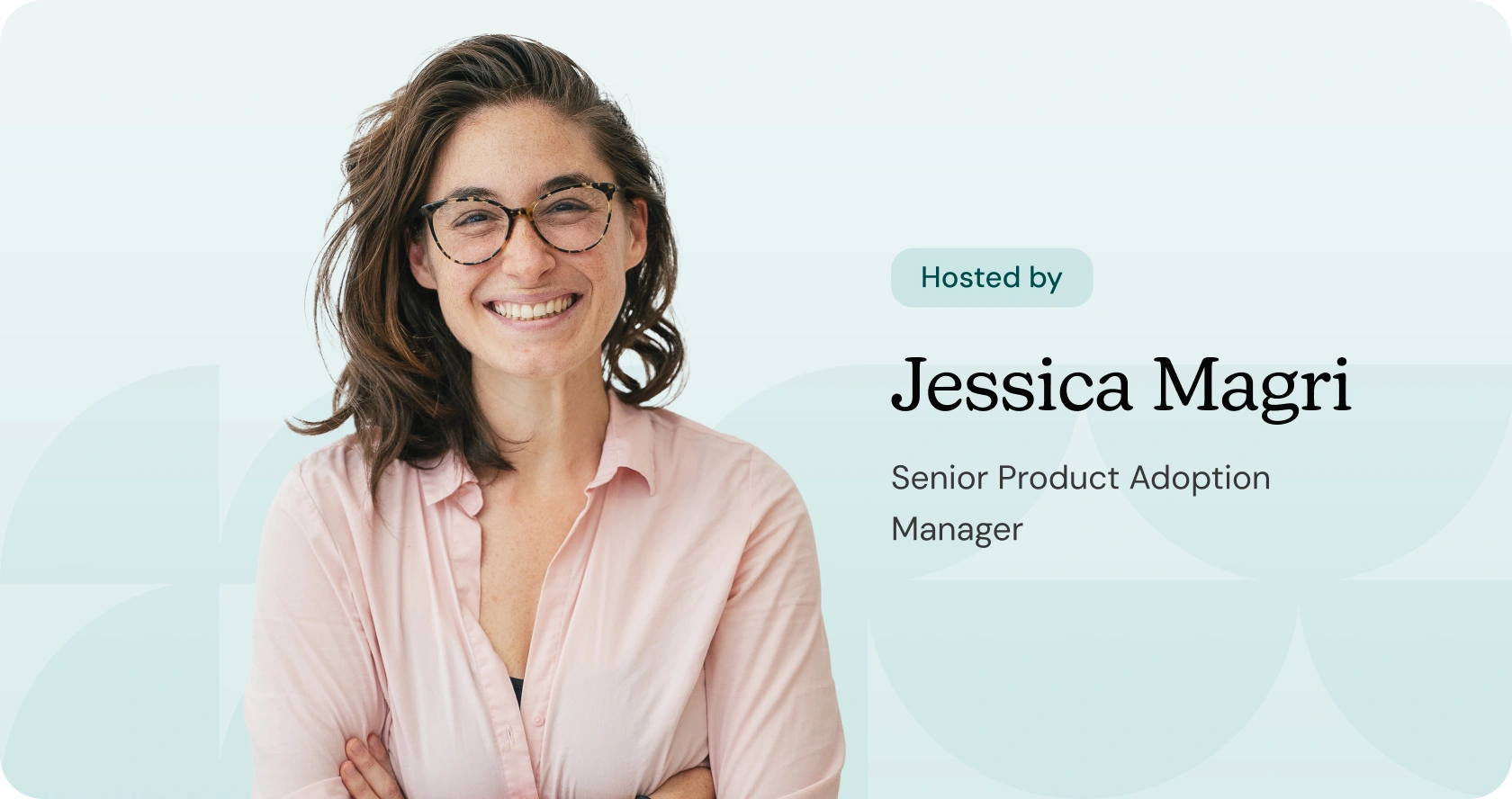
Jess Magri
Senior Product Adoption Manager

Having trouble watching the video? This video requires cookies to be accepted to play. If you haven't accepted cookies, you can still watch the video on YouTube.

‍

When a system is busy, it gets messy. Letters pile up with no clear status, consultation notes become one long unstructured block of text and patient lists fill up with records that should have been archived long ago. Over time, that clutter makes everything harder to find, harder to report on and harder to hand over to a colleague.

In this Semble Masterclass, Jess walks you through the platform hygiene habits that keep your Semble account clean, consistent and working harder for your whole team.

We'll cover how to manage your letters workflow using statuses so nothing gets lost or forgotten, how using structured consultation templates instead of a single comments box leads to better data and better reporting and how to keep your patient list clean through archiving. Whether you are setting up good habits from the start or untangling an account that has built up over time, this session will give you practical steps you can act on straight away.

Speakers

No items found.

Host

Jess Magri
Senior Product Adoption Manager

With years of experience under her belt, Jess brings extensive platform knowledge and a deep understanding of how practices use it every day. Her know-how makes Jess the perfect guide for Semble Masterclass.

+ more- less

Featured

Can I ask questions during the Webinar?

Yes, most webinars allow participants to ask questions during the session. This can be done through a chat feature or by unmuting your microphone, depending on the host's setup.

Engaging with the presenter and other attendees enhances the learning experience and allows for clarification on topics discussed.

How do I register for a Webinar?

To register for a webinar, visit the event page and fill out the registration form. You will typically need to provide your name, email address, and sometimes additional information depending on the host's requirements.

After registering, you will receive a confirmation email with a link to join the webinar on the scheduled date and time.

What is a Webinar?

A webinar is a live online seminar that allows participants to engage in real-time discussions and presentations. It combines video conferencing, screen sharing, and interactive features to create an engaging learning experience.

Webinars can cover a wide range of topics, from educational content to product demonstrations, making them a versatile tool for businesses and educators alike.

Ready to join thousands that
already trust Semble?
4.5 on Capterra
4.3 on Google